
हिंदी में बायोडेटा
Free Biodata for Marriage
in Hindi
Create your marriage biodata in Hindi - type your details in Devanagari script, choose a template, and download free as PDF or Word.
Marriage Biodata in Hindi - When and Why
A marriage biodata in Hindi is typically created when the primary audience - the family receiving the profile - reads more comfortably in Hindi than in English. This is common across Uttar Pradesh, Madhya Pradesh, Rajasthan, Bihar, Jharkhand, and other Hindi-speaking states, and also for families in smaller cities and towns where Hindi is the everyday language of business and community life.
You can create the entire biodata in Hindi (Devanagari script), create it in English, or create a bilingual version where key details are in Hindi and supporting information is in English. All three work with our free maker - type in Hindi using your phone or computer's Hindi keyboard, and the downloaded PDF will render the text correctly.
If you are sharing the biodata on matrimonial sites like Shaadi.com or BharatMatrimony, an English-language biodata is more widely compatible with their search and filtering systems. Consider creating both versions - a Hindi one for family distribution and an English one for online platforms. See the marriage biodata in English page for the English format.
Free Hindi Marriage Biodata Templates
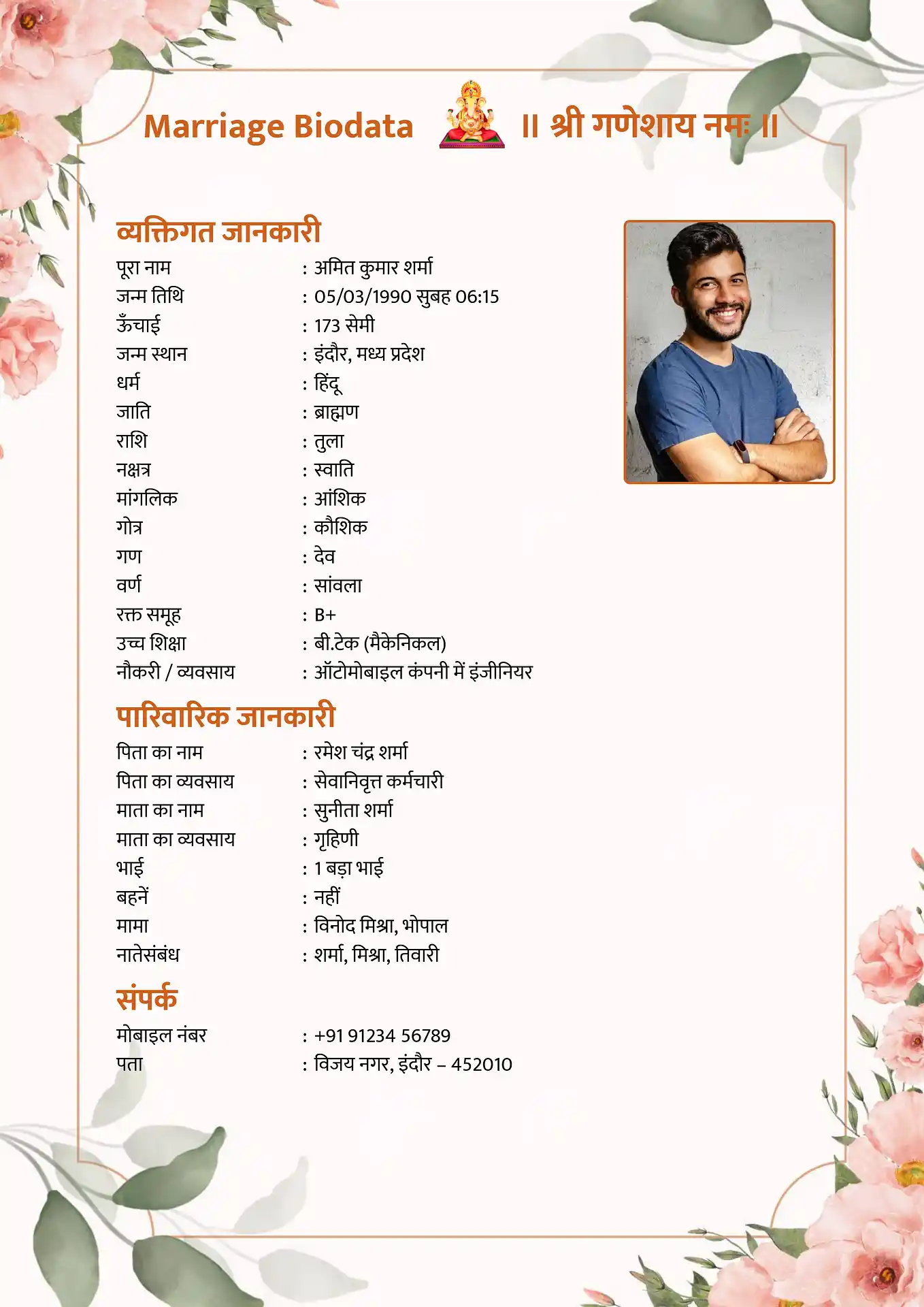
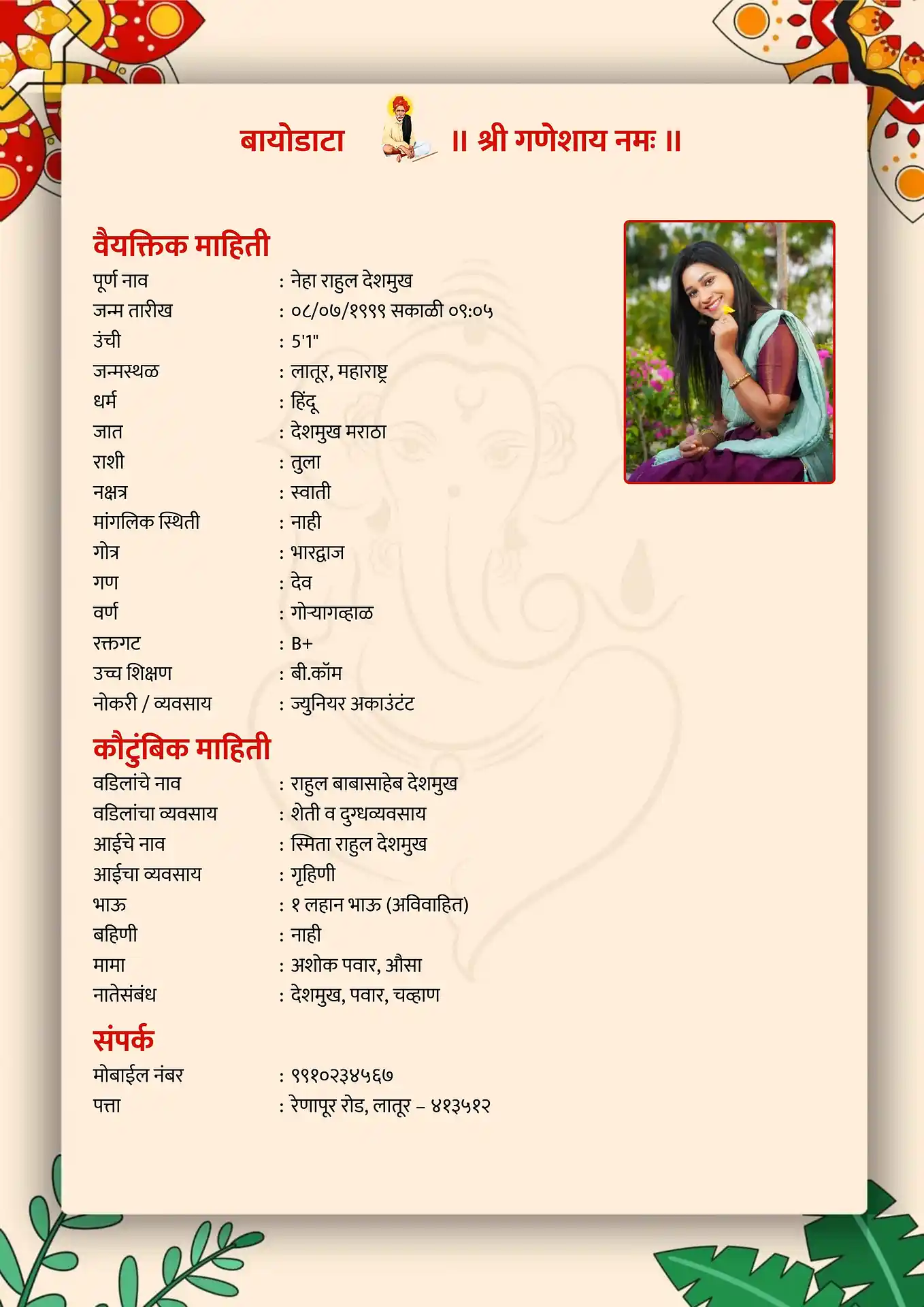
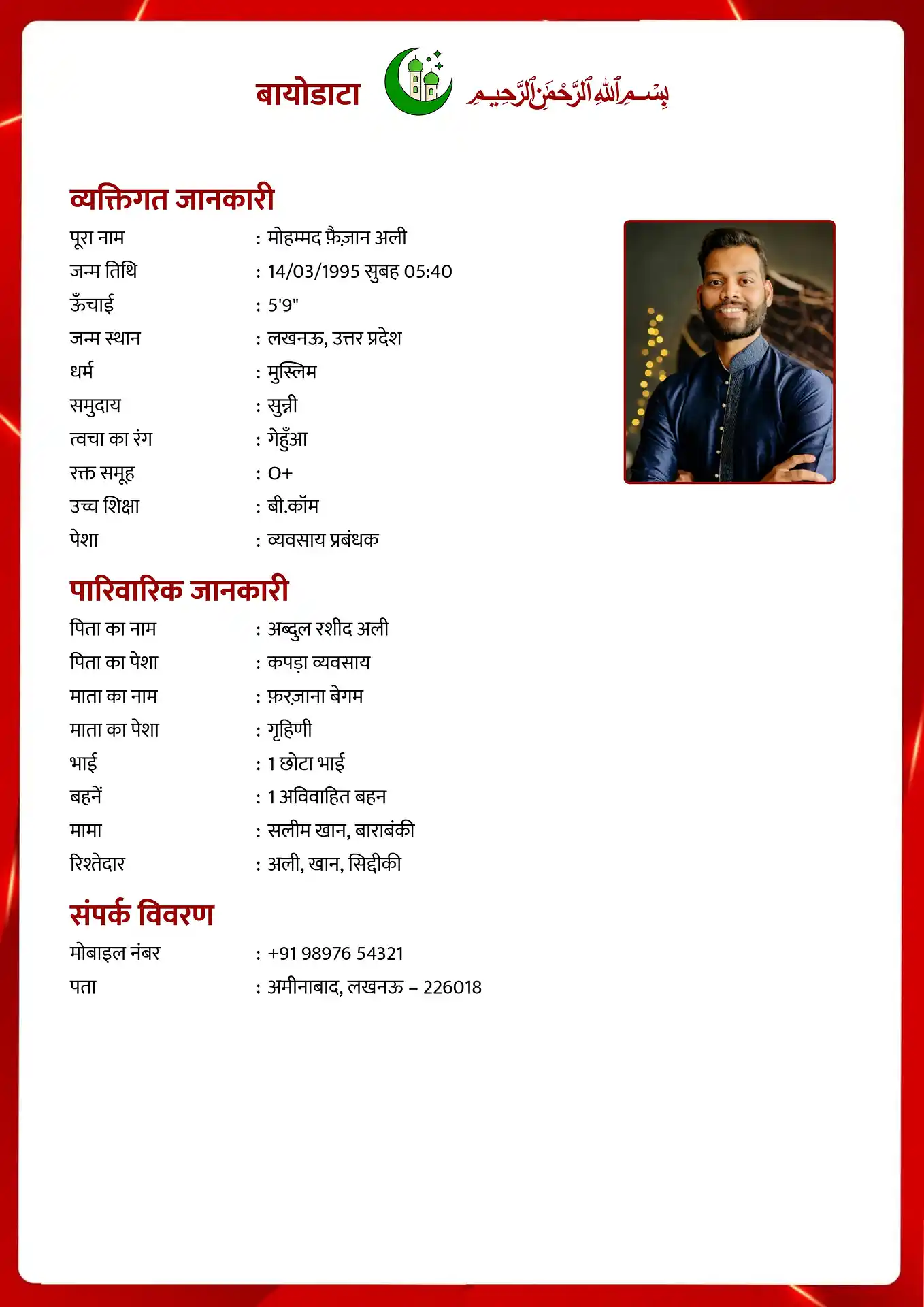
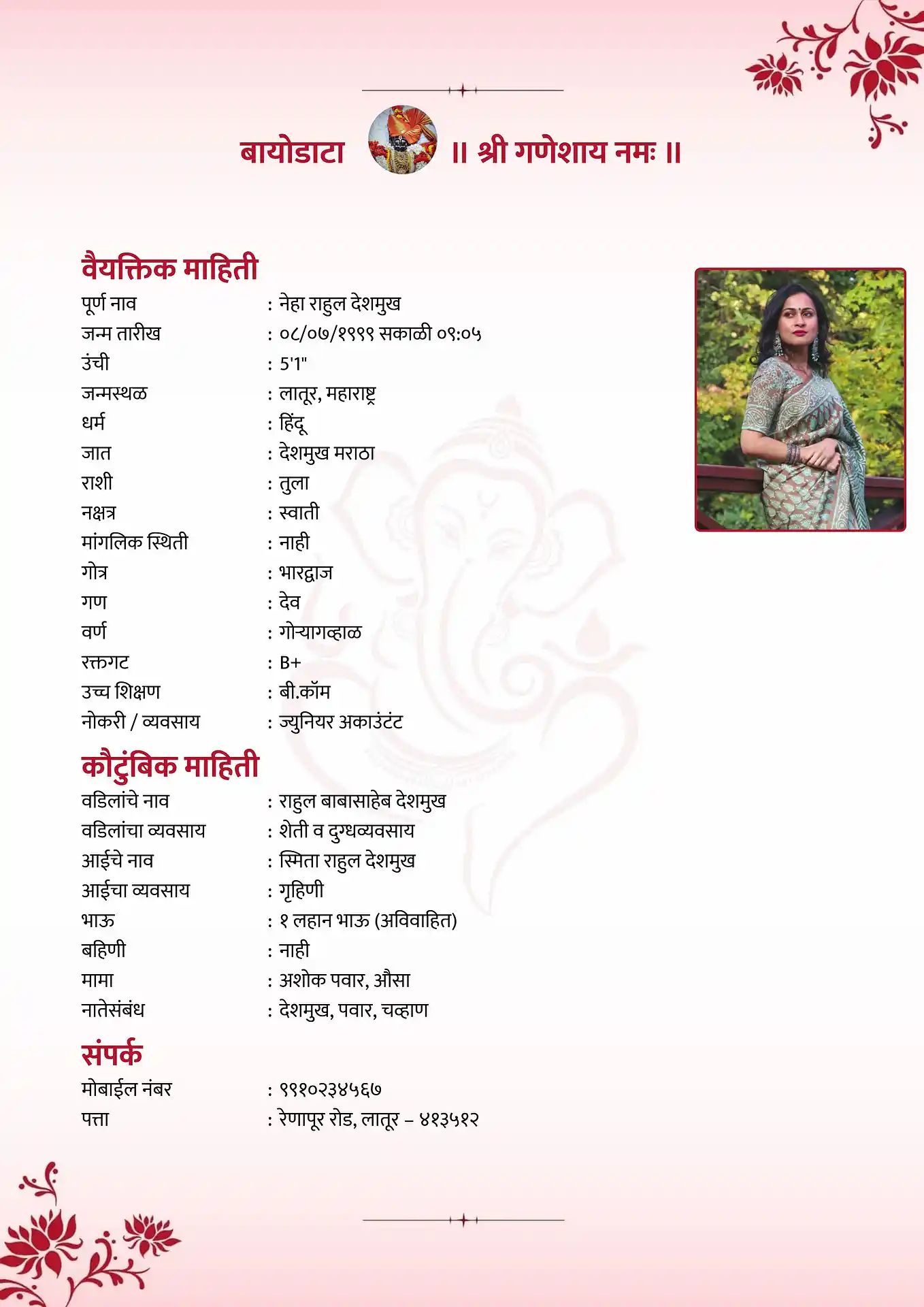
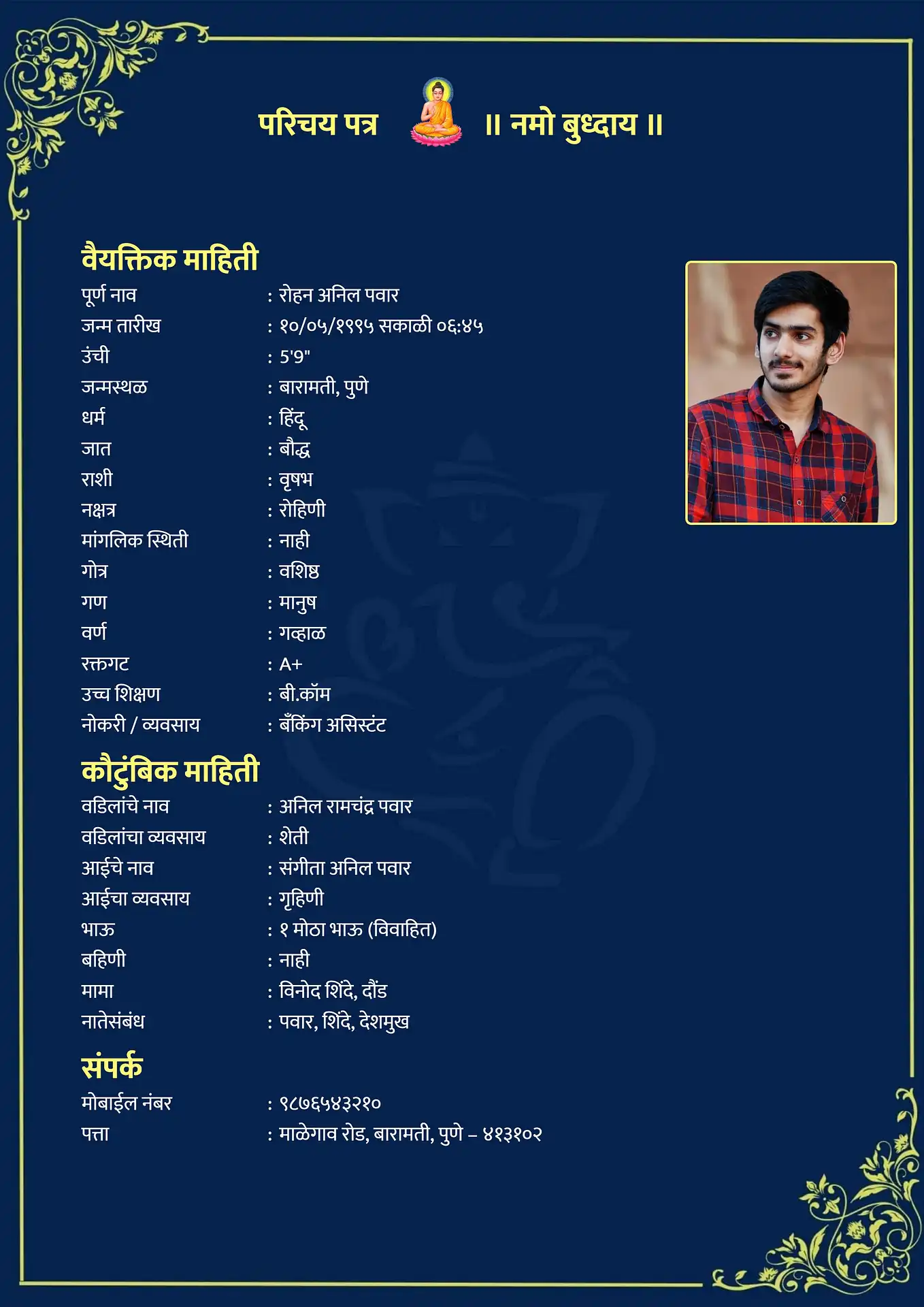
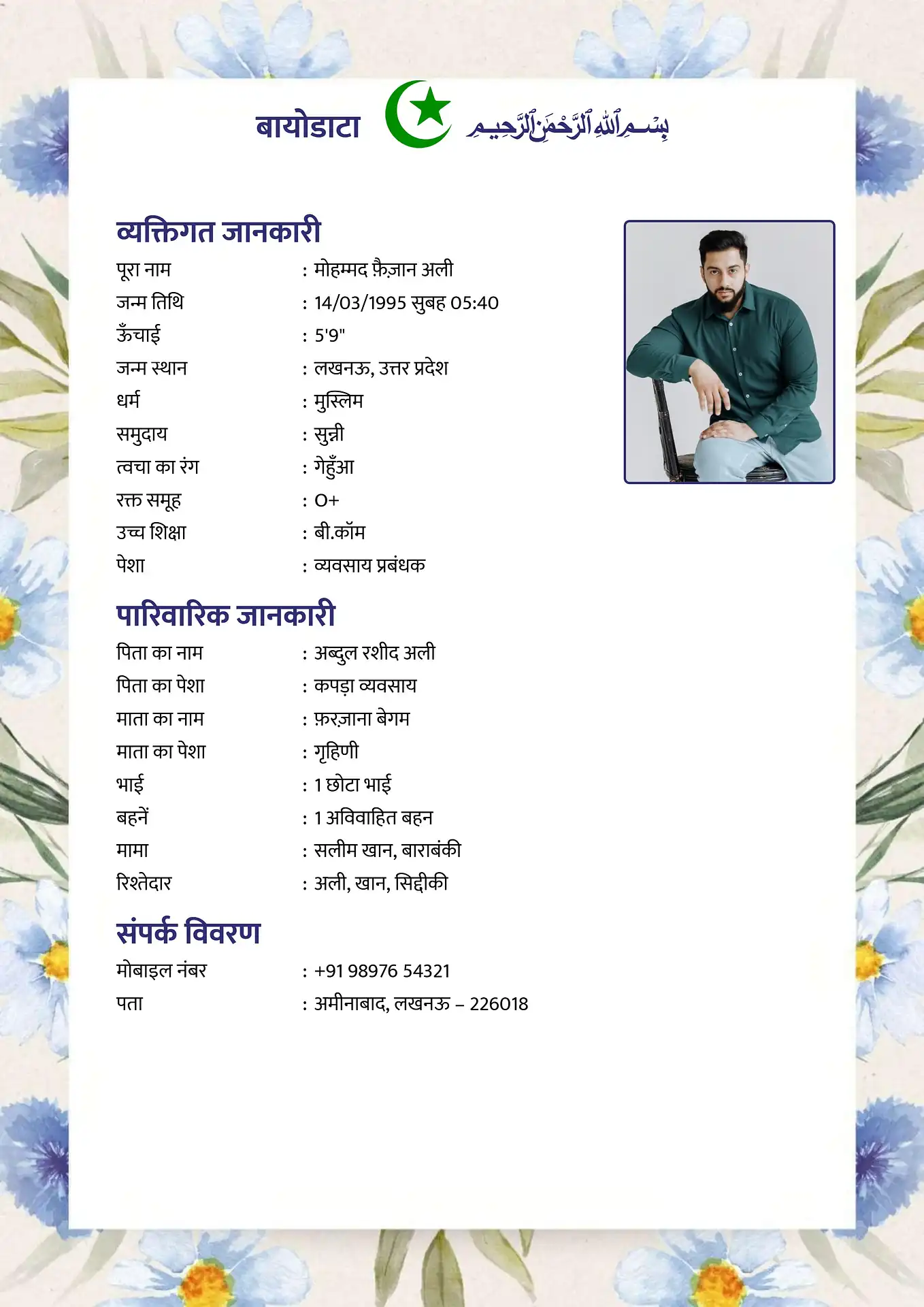
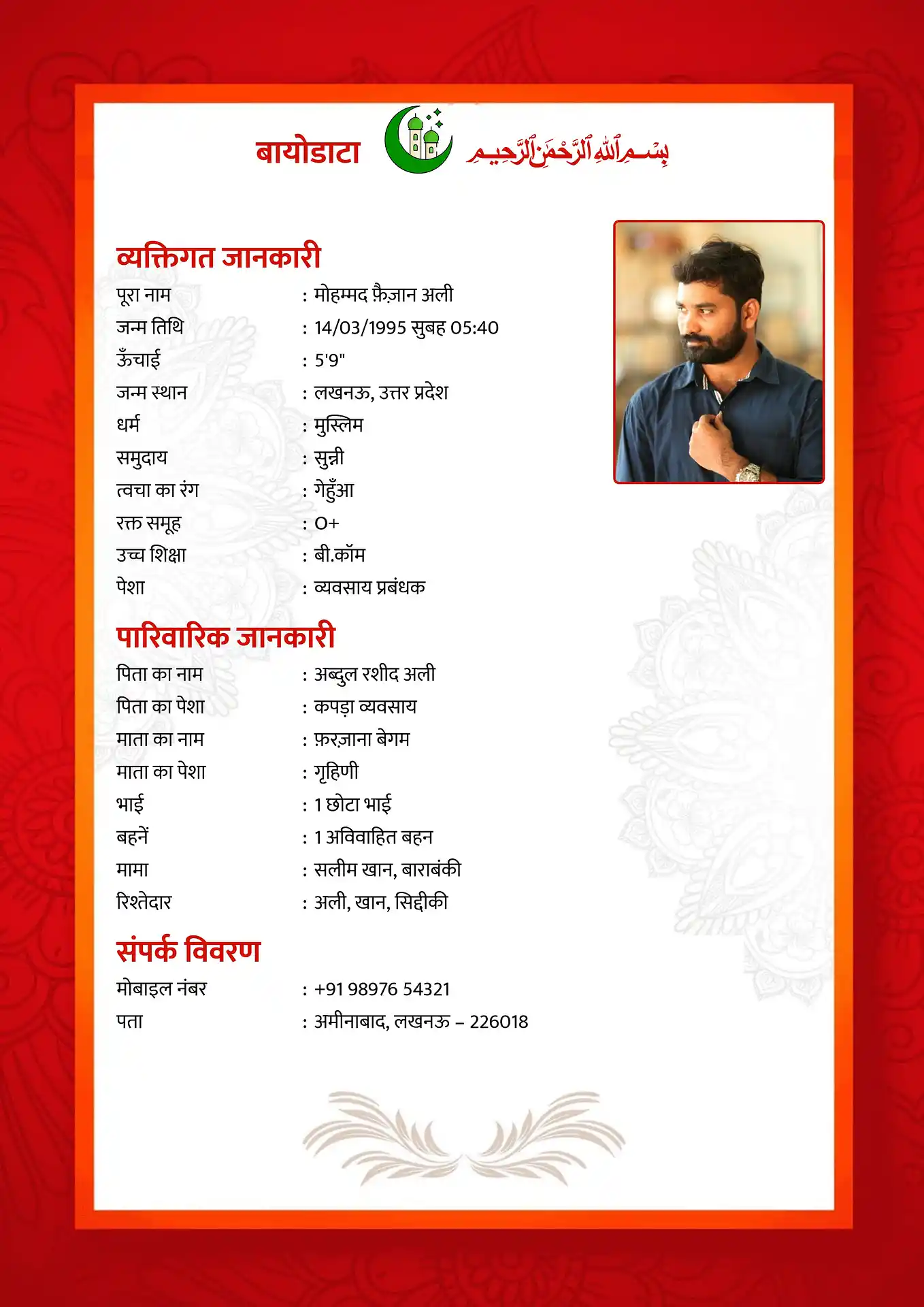
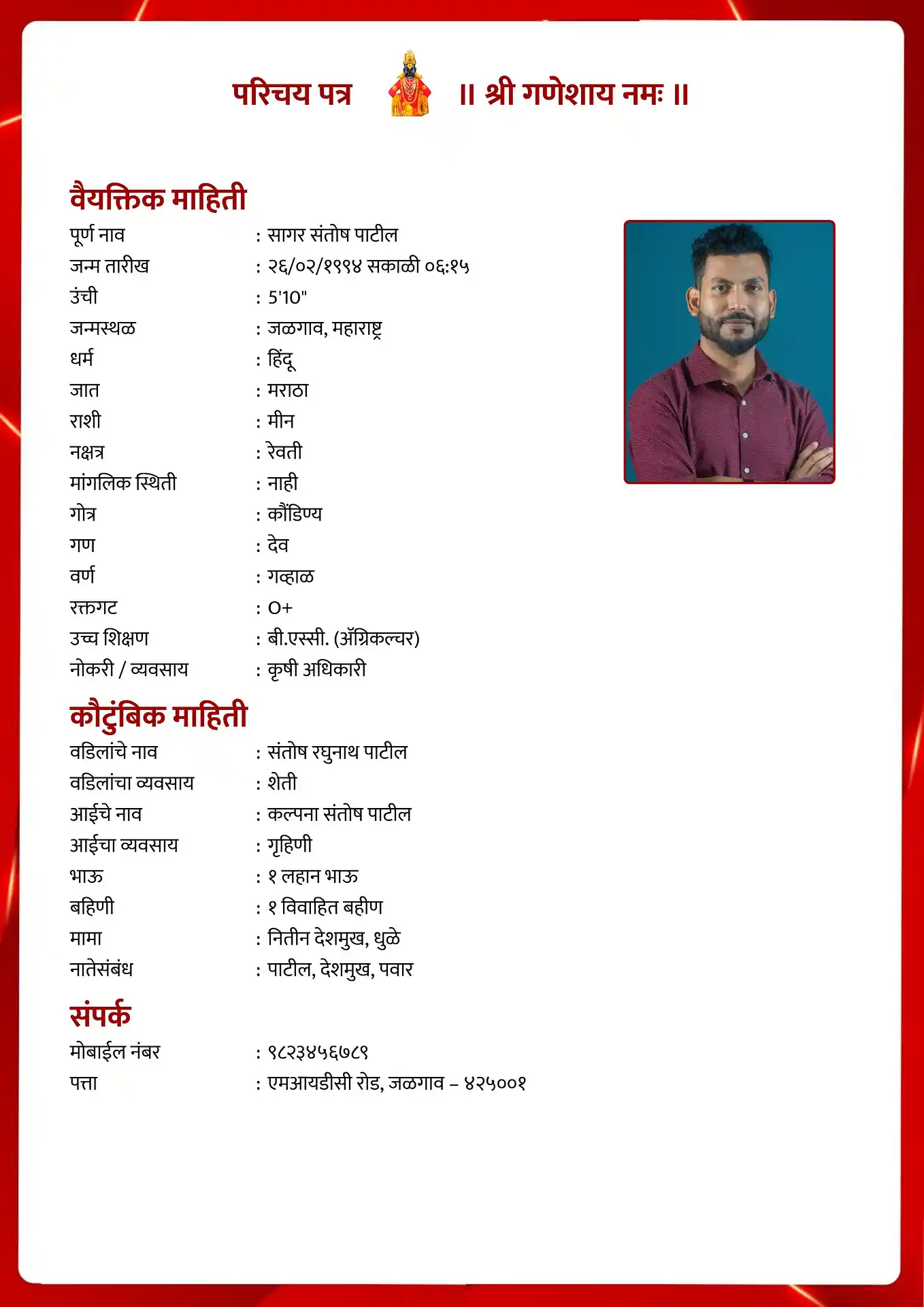
All templates support Hindi (Devanagari) text input. Click any design to open the maker. Browse all marriage biodata templates for the full collection.
Biodata Fields in Hindi - What to Write
Below are the main biodata sections with their Hindi names and how to write them correctly. You can use these directly as section headings if creating a Hindi-language biodata.
नाम (Naam)
Full nameWrite your full name as used in official documents. Many families write both the English transliteration and Devanagari - e.g., प्रिया शर्मा (Priya Sharma).
जन्म तारीख (Janm Tarikh)
Date of birthWrite as: 15 मार्च 1997. Include current age in brackets - (आयु: 27 वर्ष).
शिक्षा (Shiksha)
EducationWrite degree name, institution, and year. E.g.: बी.टेक (कंप्यूटर साइंस), लखनऊ विश्वविद्यालय, 2019.
व्यवसाय (Vyavsay)
ProfessionJob title and employer. E.g.: सॉफ्टवेयर इंजीनियर, TCS, नोएडा.
परिवार (Parivaar)
FamilyFather: पिताजी - नाम और पेशा. Mother: माताजी - नाम और पेशा. Siblings: भाई/बहन - नाम और वैवाहिक स्थिति.
गोत्र (Gotra)
GotraFor Hindu families - write gotra name. E.g.: गोत्र: कश्यप.
जाति (Jaati)
CasteWrite caste/sub-caste as your family identifies. E.g.: जाति: ब्राह्मण.
वर/वधू की अपेक्षाएं
Partner preferences2–3 sentences. E.g.: शिक्षित, संस्कारी, 26–30 वर्ष आयु का/की जीवनसाथी चाहिए।
How to Type in Hindi on Your Phone or Computer
To type your biodata details in Hindi (Devanagari), you need to enable Hindi input on your device. Here is how to do it quickly.
📱 Android Phone
Go to Settings → System → Language and Input → Virtual keyboard → Add a keyboard. Search for "Hindi" and add Gboard Hindi or Google Hindi Input. Switch between languages using the globe icon on your keyboard.
🍎 iPhone / iPad
Go to Settings → General → Keyboard → Keyboards → Add New Keyboard. Select "Hindi" from the list. Switch to Hindi while typing by pressing and holding the globe icon at the bottom of the keyboard.
💻 Windows / Mac
Windows: Settings → Time and Language → Language → Add Hindi. Mac: System Preferences → Keyboard → Input Sources → add Hindi. Use the language indicator in the taskbar or menu bar to switch.
Alternatively, use Google Translate's keyboard or any transliteration tool - type in Roman script (e.g., "priya") and it converts to Devanagari (प्रिया) automatically.
How to Create Your Marriage Biodata in Hindi
Choose a template
Click any design from the gallery above. All templates support Hindi text input - your Devanagari text will render correctly in the downloaded file.
Type your details in Hindi
Use the Devanagari field guide above for section headings and field names. You can mix Hindi and English - most families use Hindi for personal and family sections and English for education and profession.
Upload your photo
Add a recent, clear photo with a plain background. The maker positions it automatically.
Download as PDF or Word
Choose a free PDF download for sharing on WhatsApp or printing. Use Word format to keep an editable copy.
For a complete guide to every section of a marriage biodata, read the complete guide to making a marriage biodata. For a girl's marriage biodata or a boy's marriage biodata, those pages have tailored templates and guidance.
Frequently Asked Questions
Hindi mein biodata kaise banaye? ↓
Upar gallery mein kisi bhi template ko click karein. Apni details Hindi (Devanagari) script mein type karein - phone ya computer ka Hindi keyboard use karein. Photo upload karein aur free PDF ya Word mein download karein. Koi account ya payment ki zarurat nahin.
Should I make the biodata entirely in Hindi or mix English? ↓
Most families use Hindi for personal, family, and religious sections, and English for education and profession fields where English terminology is standard. A bilingual biodata is widely accepted and often easier to read for both the sending and receiving families.
Will the Hindi text appear correctly in the PDF? ↓
Yes. The PDF download renders Devanagari script correctly. Open the preview before downloading to confirm the text looks right. If it appears garbled, check that your device's Hindi font is installed.
Can I share a Hindi biodata on Shaadi.com or BharatMatrimony? ↓
Yes - upload it as a PDF attachment to your profile. Matrimonial platforms accept PDF biodata uploads alongside their online form. A Hindi-language biodata works well for families in the same linguistic community.
Other biodata formats
Create Your Marriage Biodata in Hindi Free
Type in Hindi or English - download as PDF or Word in minutes. No account needed.
Create Hindi Biodata Free